Provisional reception minutes template (editable Word)
The editable Word version of our reference minutes. Pre-filled, modifiable, exportable to PDF — adapt to your construction site in 15 minutes. Compatible with Microsoft Word, LibreOffice and Google Docs.
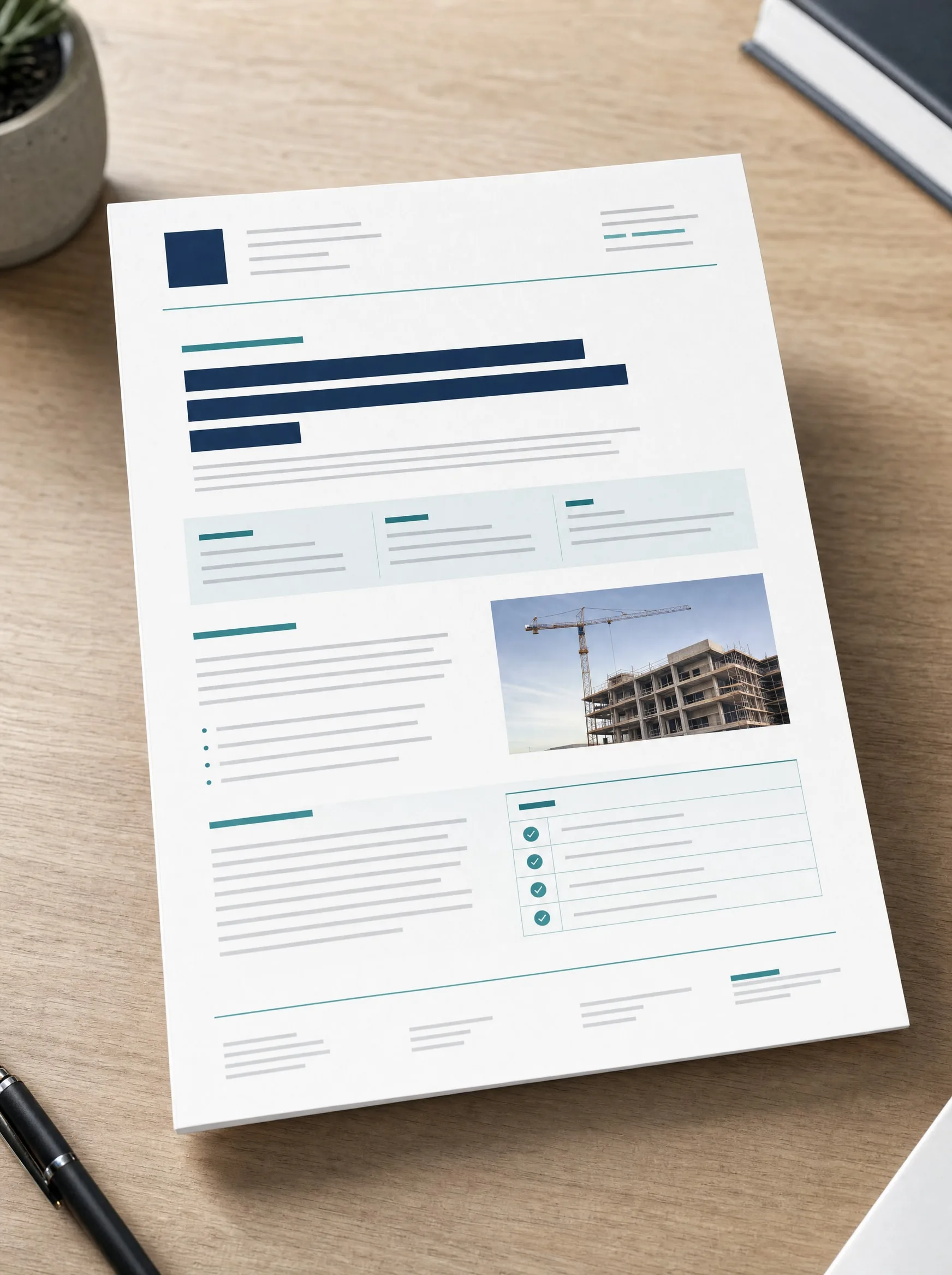
The complete Word minutes, ready to personalise.
- 12-page Word templatePre-tagged fields (identity, site, items), reservation tables ready to complete.
- Dynamic reservation tables20 standard rows with columns room / item / defect / costing / lifting deadline.
- Anonymised exampleReal minutes filled in for a 168 m² turnkey home, to duplicate as a reference.
- Pre-defined variablesWord fields « Insert today's date », contractor references, areas — time saving.
- Personalisation notice4-page PDF guide: how to adapt the minutes to your specific contract (turnkey vs. negotiated).
Three steps to personalise and use the Word minutes.
Personalisation · 15 minutes in calm
Open the .docx file in Word, LibreOffice or Google Docs. Fill in the header: principal's identity, exact site address, contractor's name and address, contract references (number, date). Adapt the reservations grid: add items specific to your contract (optional equipment, custom finishes). Export to PDF for printing and signatures.
Printing and adversarial use
Print 3 copies (you, the contractor, your archive). Bring them on reception day with your inspection equipment (measure, torch, camera). Fill in with the contractor present, cost each reservation, have each page counter-signed. Keep the signed minutes scanned in addition to the paper format.
Versioning and digital follow-up
The advantage of the Word format: you can open a new version « Minutes after lifting of reservations » and record the evolution. Date each revision in the footer. If the lifting of reservations takes several months (a frequent case), keeping a living Word version simplifies follow-up and allows you to produce a time-stamped PDF at any time.
More than 100 buyers used it in 2026.
« Brilliant Word format for personalising. I adapted it to my contract in 20 min and printed. »
« The pre-tagged fields save tons of time. My notary validated it straight away. »
« Essential. I use it as a template for the 3 sites of my activity. »